1Your topic
YOUR ACCOUNT BRIEF
A consultant helping small businesses explain their services clearly. Useful examples, friendly writing, no invented claims.
ExpertBusiness
A PRACTICAL SEVEN-DAY COURSE
A simple course and automation program.
Your topic. Your style. Regular posts.
Step-by-step instructions. No coding experience needed.
Written lessons, screenshots and a program you run on your own server.
FROM IDEA TO POST
Tell the AI what your account is about. Check your first draft in Telegram. Then set up automatic posting through the official Threads API.
YOUR ACCOUNT BRIEF
A consultant helping small businesses explain their services clearly. Useful examples, friendly writing, no invented claims.
Your service page is more than a list of what you do. It helps people understand how you think — and whether you can help them.
What is the one question your customers ask most?
Illustrative workflow. Your first post is reviewed; automatic posting starts after the launch checks.
AUTOMATIC MODE
Sleep, eat, go for a walk or focus on work. Your bot runs on your server, prepares posts on your topic and publishes them on schedule. You don’t have to come up with a new idea every time you post.
Add a link to your website, store or Telegram in your profile. Posts introduce people to your topic; your profile gives interested readers a path to your offer.
You choose the topic, style, schedule and limits. Manage the system and pause it through Telegram.
CHOOSE YOUR ACCOUNT PERSONALITY
Choose the topic, audience and writing style. Give the AI the facts it needs, so every draft feels like it belongs to your account.
Professional, helpful and focused on your customers.
“Your customers should understand your offer before they scroll.”
Clear explanations and practical ideas from your field.
“One useful example can explain more than ten definitions.”
Observations, humour and conversations with personality.
“The most optimistic folder on my laptop is called final-final.”
TWO WAYS TO SET IT UP
Written instructions show where to click, which file to download and what to paste. Screenshots help you find the right buttons.
Give your own AI assistant the setup pack and master prompt. It prepares the files and guides you through the information and access it needs.
Both routes lead to the same system. You keep your passwords and API keys in private configuration files.
YOUR SEVEN-DAY ROUTE
Small, clear steps. A practical result to check after every lesson.
Day 1
Choose what to write about, who you want to reach and your account goal.
Day 2
Describe your topic and prepare information and writing examples for the AI.
Day 3
Get Threads API access, prepare your service accounts and a server.
Day 4
Install manually or with AI. Review and publish your first post.
Day 5
Refine topics, formats and writing using real drafts.
Day 6
Set the schedule, limits, pause controls and backups.
Day 7
Check automatic generation and publication, then plan improvements.
YOUR COURSE + YOUR PROGRAM
A readable course workspace, practical worksheets and a downloadable Python program. Telegram becomes the control panel for your installed system.
BUILD YOUR PUBLISHING ROUTINE
Everything in the course package, with two ways to install your own system.
Checkout is being prepared. No payment is collected in this preview.
FAQ
No coding experience is assumed. The written instructions explain each action. You can also use your own AI assistant with the separate setup pack.
Your Threads account, your own server, API access and Telegram. You can use resources you already have. Provider charges may apply. The course explains how to prepare each connection.
Yes. Set the topic, audience, facts, personality and formats. Learn how to check drafts and improve the writing.
After checking your first post and setting up the launch, the program can find material, create suitable posts and publish them on schedule. You can later customize the system with automatic replies, additional research sources or commenting features with the required API permissions.
The main setup publishes standalone posts for one account. You can add automatic replies to comments as a separate customization. Reach, followers and sales depend on your content and audience; specific results cannot be guaranteed in advance.
Publication uses the official Threads API with your authorized account. App permissions and provider requirements apply.
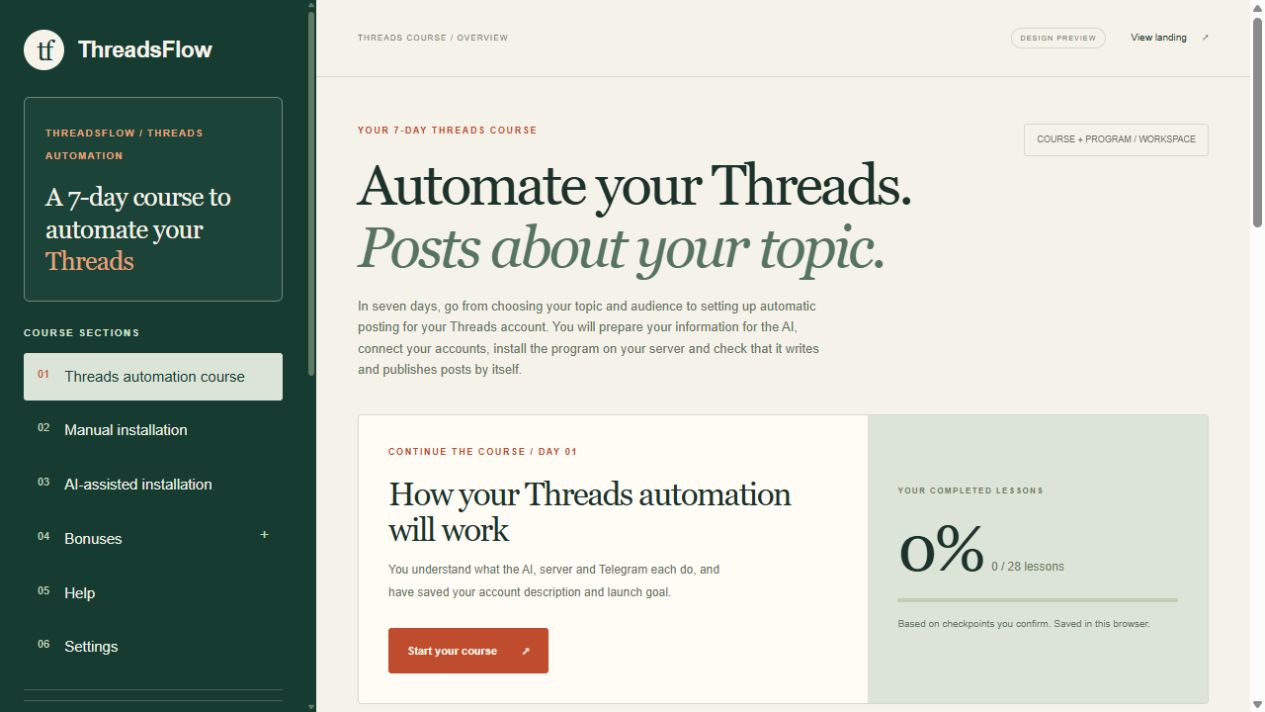
The course consists of written lessons with screenshots, diagrams and files. It takes you step by step through setting up your own working automation system.
English, Russian and Spanish. Change the course language in settings. The language of generated posts is a separate configuration choice.